

Shelf recognition · Premium service
See the shelf without counting it.
Your reps already stand in front of the shelf. They photograph it bay by bay, AI reads every photo, and head office sees facings and share of space by store, typically within minutes.
The problem
A share-of-shelf audit is usually a project: an agency, a sample of stores, the answer a quarter later. When reps count facings by hand they count differently, so two cycles never compare.
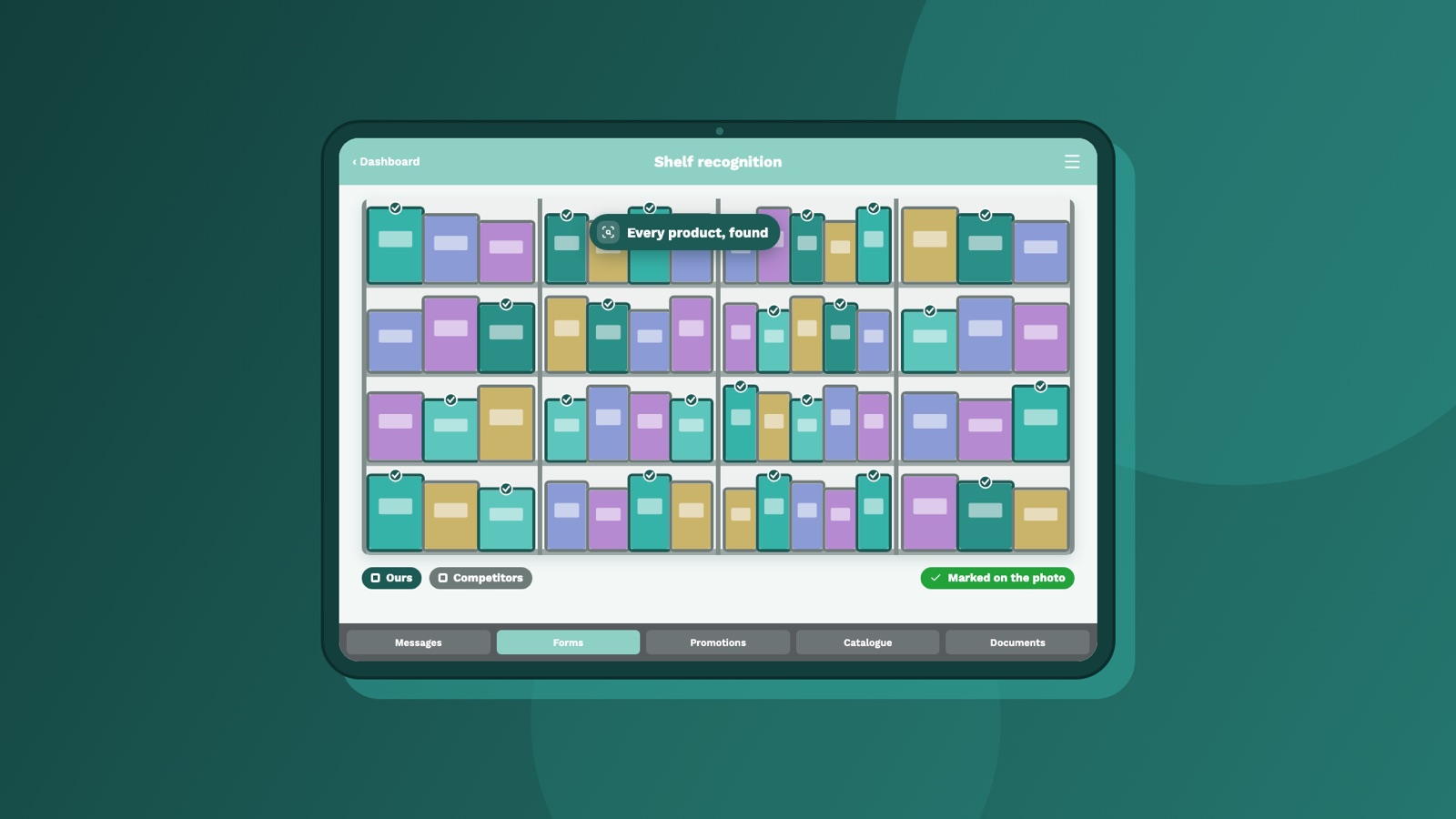
How it works
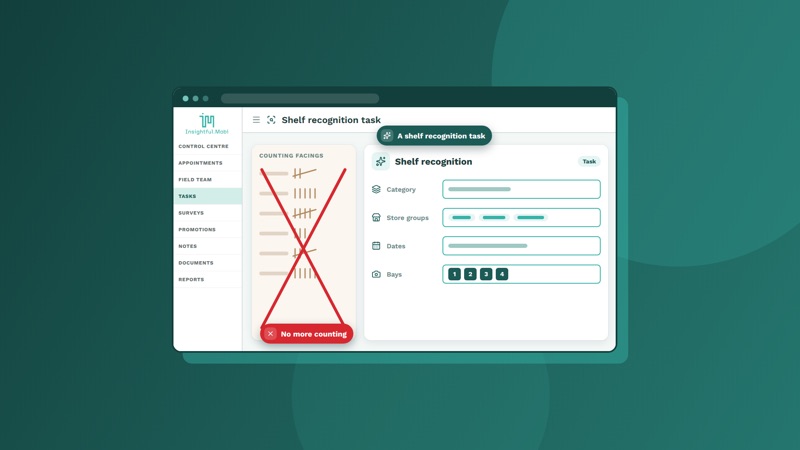
1. Head office sets the task
Choose a category and the stores. The shelf-photo task appears on each rep's phone at the next sync.
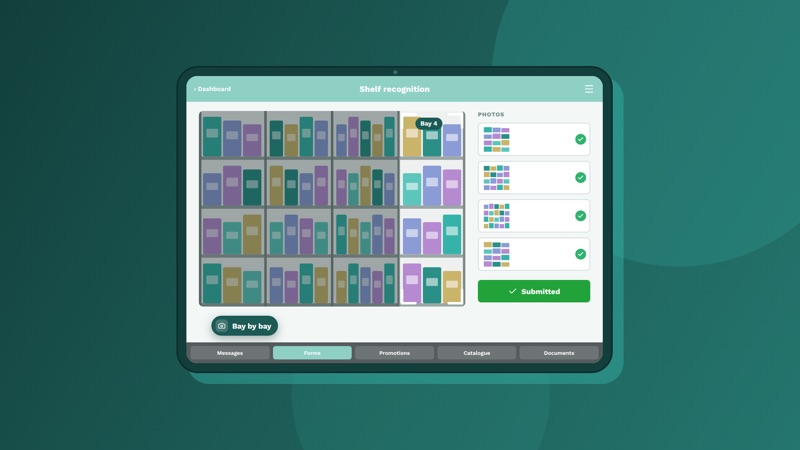
2. The rep photographs the shelf
Bay by bay, in the app, during the normal visit. No extra device, no separate audit.
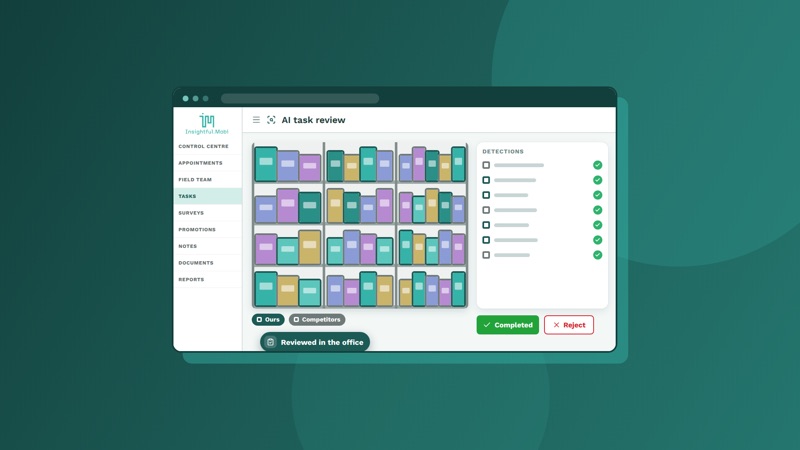
3. AI reads the photos
Results are in the office portal typically within minutes of the rep submitting: what was detected on each shelf, facings, and share of space.
What you see
Every analysed photo
Each analysed photo, with what was detected on each shelf.
Facings and share of space
Facings and share of space by category and store.
The change since last cycle
The change since the last cycle, measured the same way every time.
Next to what it sold
Where you buy sell-out data, the results sit beside sell-out by store, week and product in the same dashboards: what is on the shelf, and what sold from it.
Why it is different
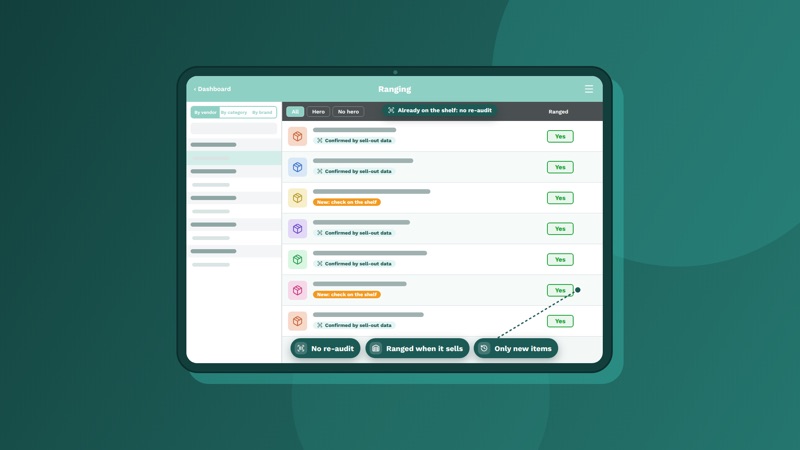
Inside the visit, not beside it
Shelf photos are a task like any other, so they sit with the rep's ranging, promotion checks and notes for the same store and day. Where sell-out data has already confirmed what is ranged, the rep checks only the new items, not the whole shelf.
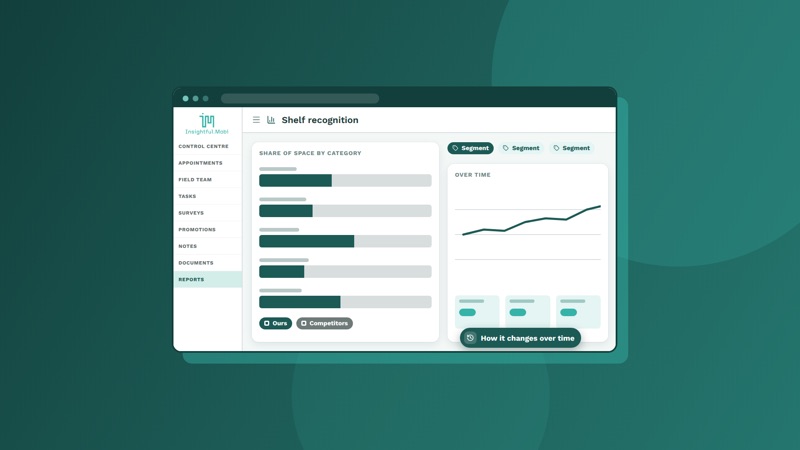
Measured the same way each cycle
Your own reps, your own stores, every cycle, so the trend is real.
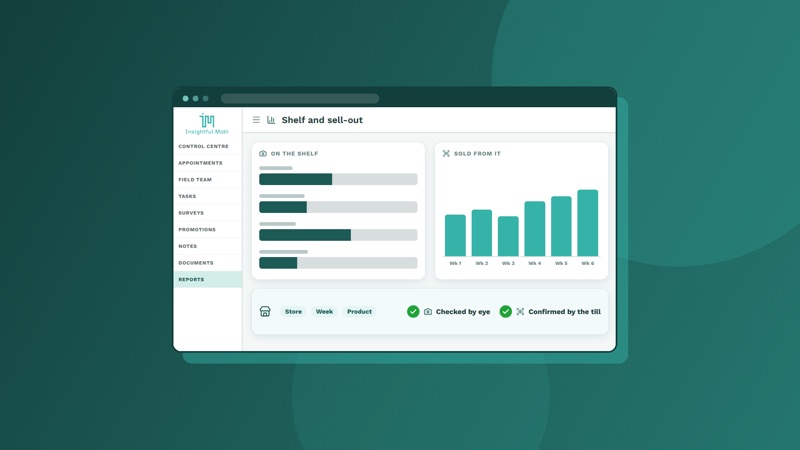
Checked by eye, confirmed by the till
The photo shows what is on the shelf. Sell-out data from dunnhumby, NielsenIQ or IRI shows what sold from it. Your vendors, and your own sales team if you want, see a shelf that has been both seen and backed by the till, and the volume behind it, store by store and week by week.
Shelf recognition is a premium service. Results appear in the office portal, not on the rep's phone. Ask us which of your categories are ready to recognise.
See it work
Photo recognition, next to what it sold
Short videos, a minute or so each, drawn from the product as it works today. Every one has captions.
10
Photo recognition
Shelf photos in; every product and its position found, shown as share of shelf, next to what it sold.
04
Shelf & ranging
Core range by banner, sell-out data confirming what is already on the shelf, reps checking only what's new, and weekly wins and losses.
12
Reporting & dashboards
Every night the day's work is measured against the plan, from the whole business down to one store.
Every video has captions. Screens are drawn, not live data.